Better indoor air quality
starts with daikin
Delivering the Next Generation of Solutions

Now Available
All Solutions Catalog
Daikin Applied’s All Solutions Catalog is now available. Take a look at a complete overview of our industry-leading services and product offerings that we bring to the HVAC industry and buildings throughout North America.
Learn More
The Industry’s Most
Compact Footprint
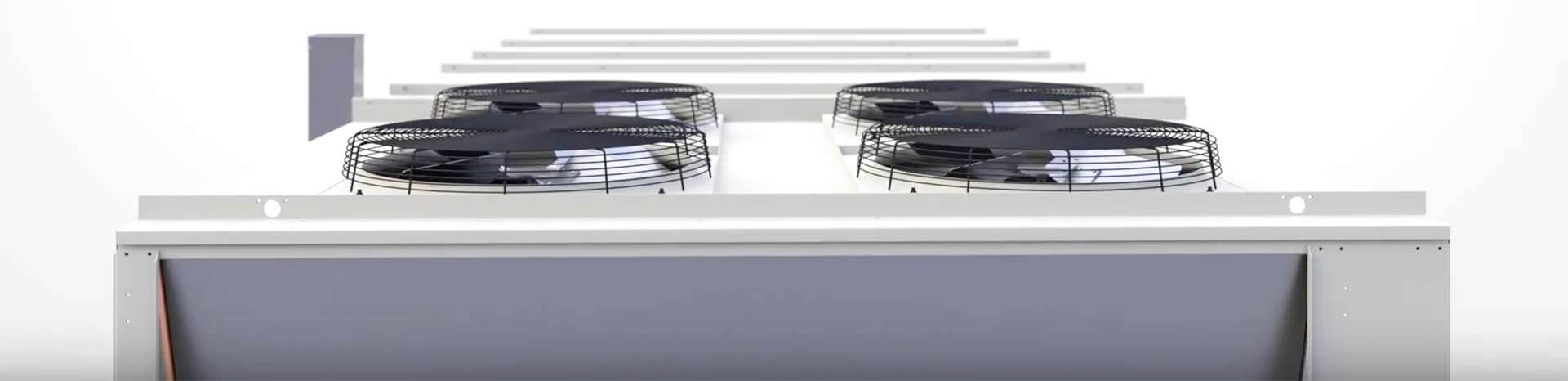
Design obstacles are clever problems that call for clever solutions. PreciseLine’s compact footprint gives system designers and contractors unmatched design capability when faced with tight space restrictions.
Learn More
Cooling the Path
Less Traveled
In cooling ambient temperatures, the Pathfinder chiller delivers free cooling. Pathfinder is the only chiller that combines free cooling, full configurability, and VVR compressors.
Learn More
Total Rental
Solutions
Whether you have long or short-term cooling needs, we deliver reliable rental solutions, applications expertise, and responsive support. Daikin Applied rental equipment and temporary heating/cooling capabilities are at your service 24/7 throughout the
United States and Canada. We offer complete support that includes everything you need – from rental chillers and dehumidifiers to heat and power.
Learn More
introducing
rebel applied
Combining unmatched modular flexibility with the latest technologies, Rebel Applied rises above its class with industry-leading performance, energy efficiency, configuration capabilities, and low lifecycle costs.
Learn More
Previous
Next

Putting the IQ
in IAQ
At Daikin, we're driven by a simple belief: organizations are at their best when their air is at their best. Our approach to groundbreaking R&D, precision engineering, and industry-leading solutions brings a level of intelligence to
the HVAC industry that's nothing short of a breath of fresh air.
SiteLine
Building Controls
Daikin is making building automation simple.
Whether you’re overseeing a complex HVAC ecosystem of equipment and buildings or monitoring standalone units, SiteLine Controls and Service Solutions will help you create comfortable and sustainable environments where tenants work and live.
Learn More

Revit® Friendly
Building Files
We are aggressively pursuing having the most comprehensive library of HIGH QUALITY Building Information Modeling (BIM) models for our HVAC products in support of our building owner, architect, MEP and contractor customers using Autodesk® Revit technology.
Learn More
Solutions Plaza
Innovation Center
Each year, hundreds of customers experience our high tech solutions and equipment at Solutions Plaza. This showcase of Daikin technology features full-sized product displays and interactive information kiosks. Visitors walk away with a complete understanding
of the latest and greatest of Daikin equipment, systems, and technology.
Learn More
Modular Central Plant Delivers
HIGHLY-CUSTOMIZABLE SOLUTION
Our turnkey Modular Solution helped North Dakota-based sporting goods retailer, Scheels® All Sports, with a custom-designed solution for energy efficiency, compact footprint, and low-noise performance. The modular central plant was installed by our great reps at SVL, Inc.
Read the full story